





Your Money And Your Work, In One App
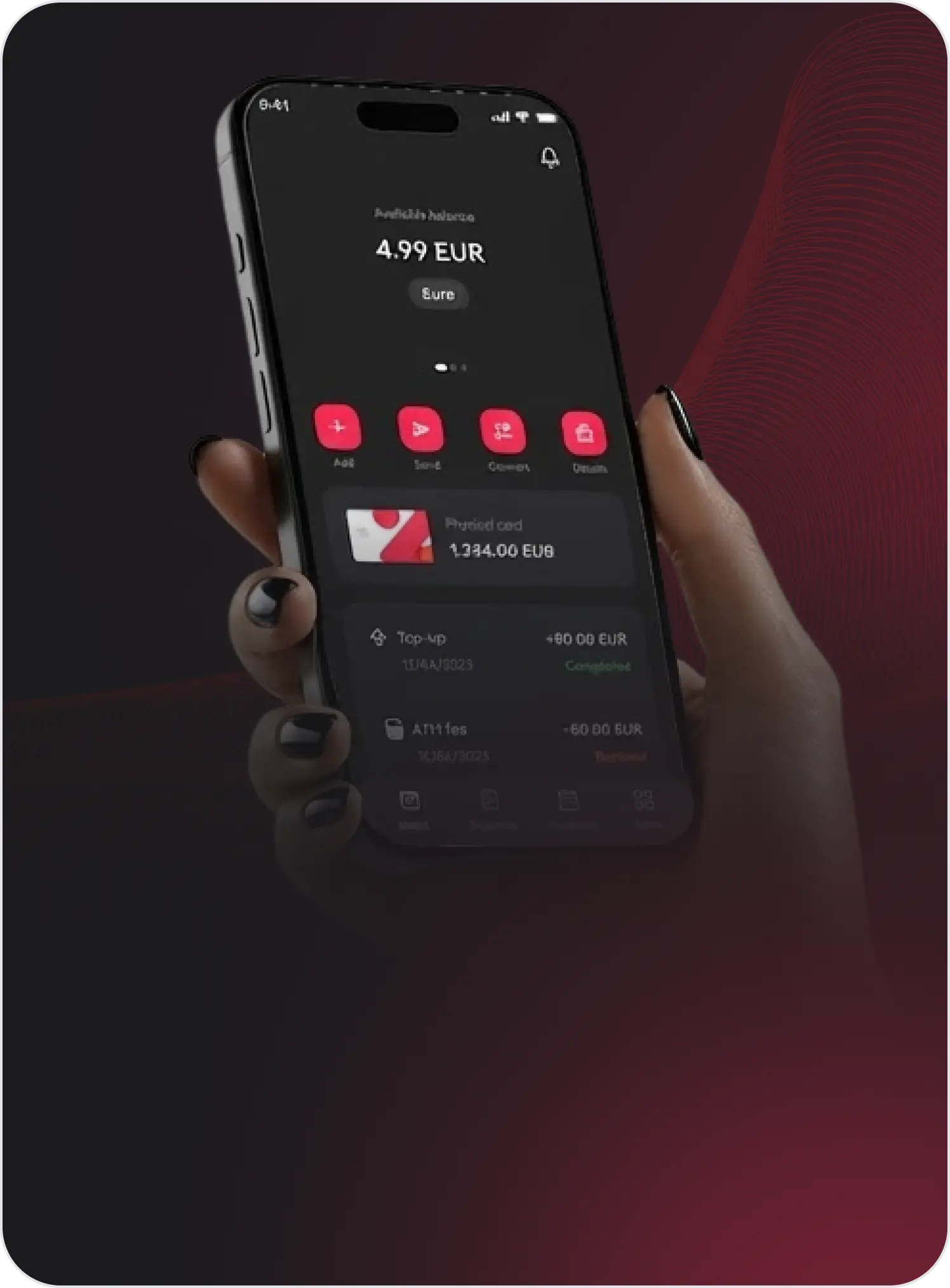
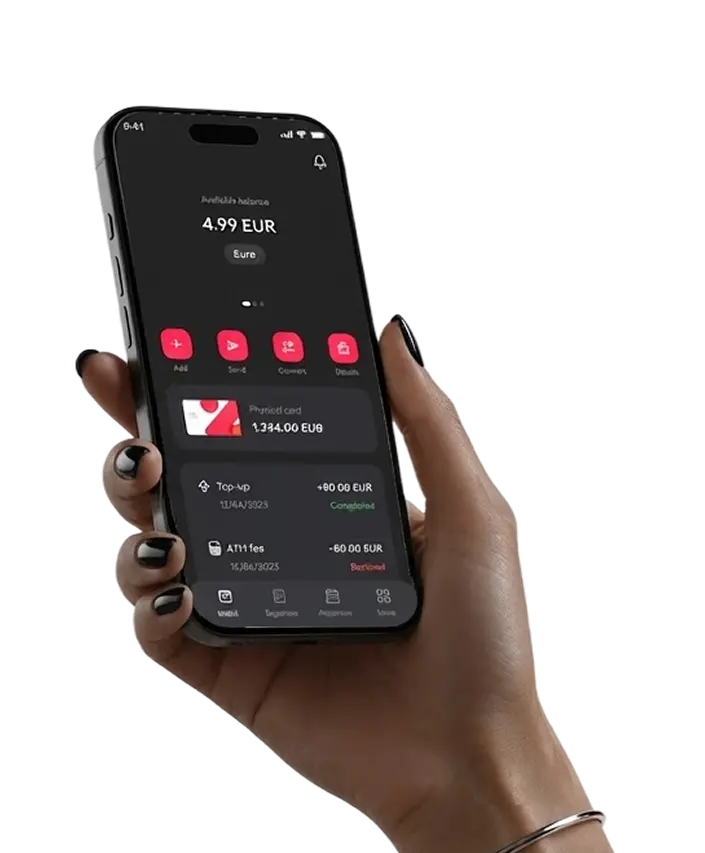
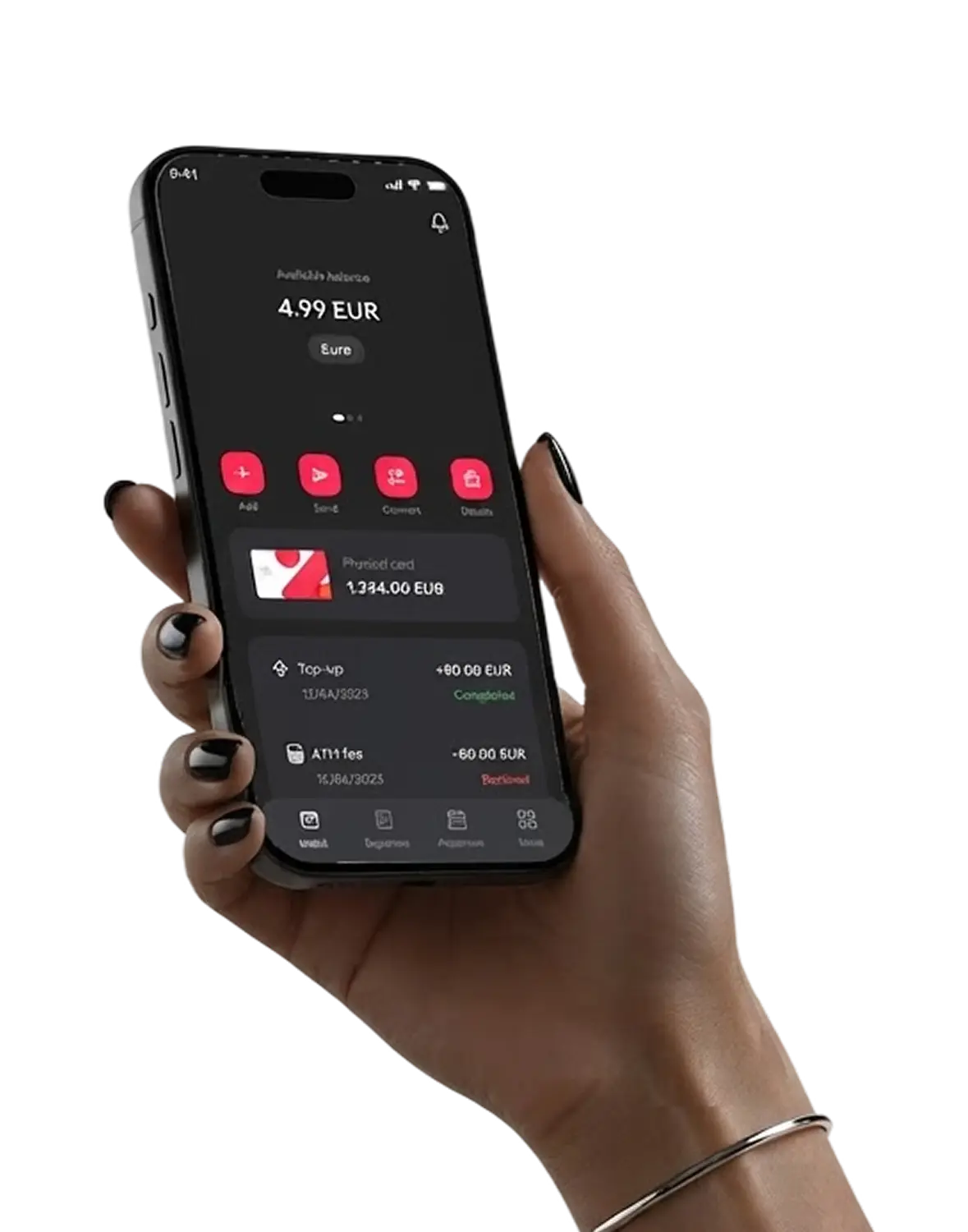
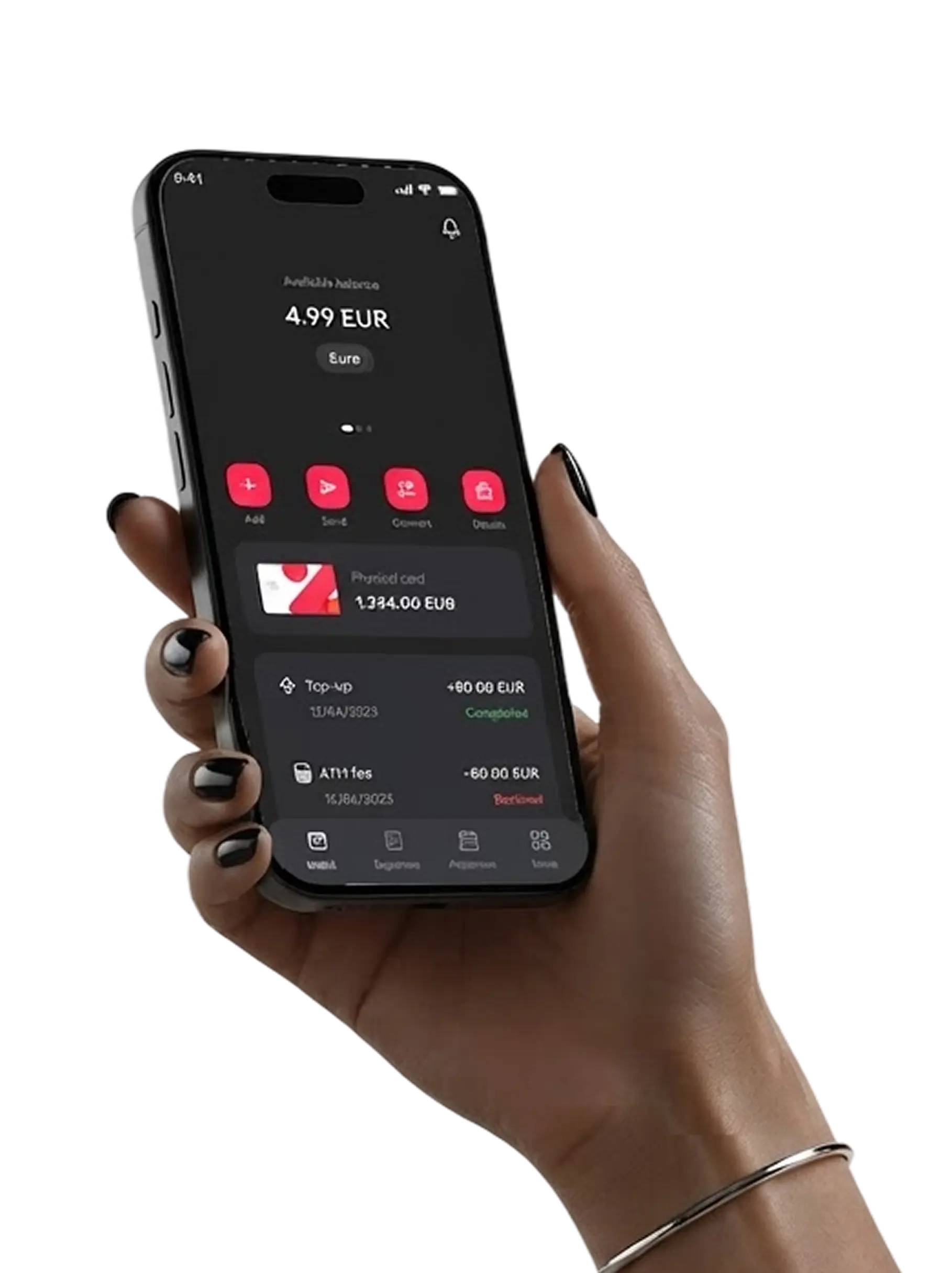
Get paid, manage your money, request time off and invoice clients, all from your phone. Whether you’re an employee, employer, contractor, or gig worker, it’s all in one place.
Scan the QR code to download the app.



Everything you need, wherever you are
The things you do most, without opening a laptop.
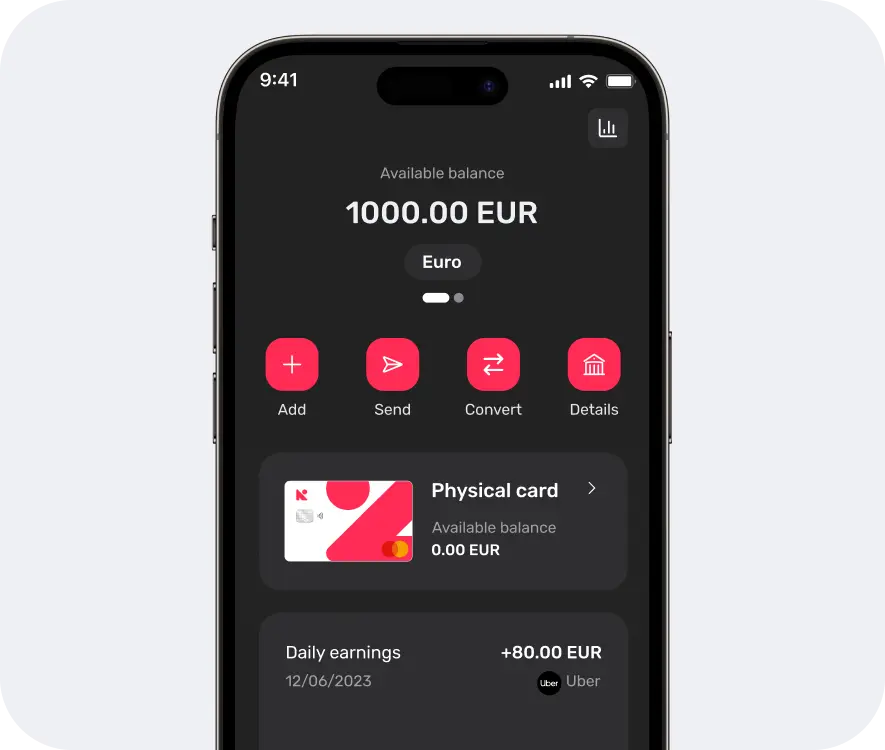
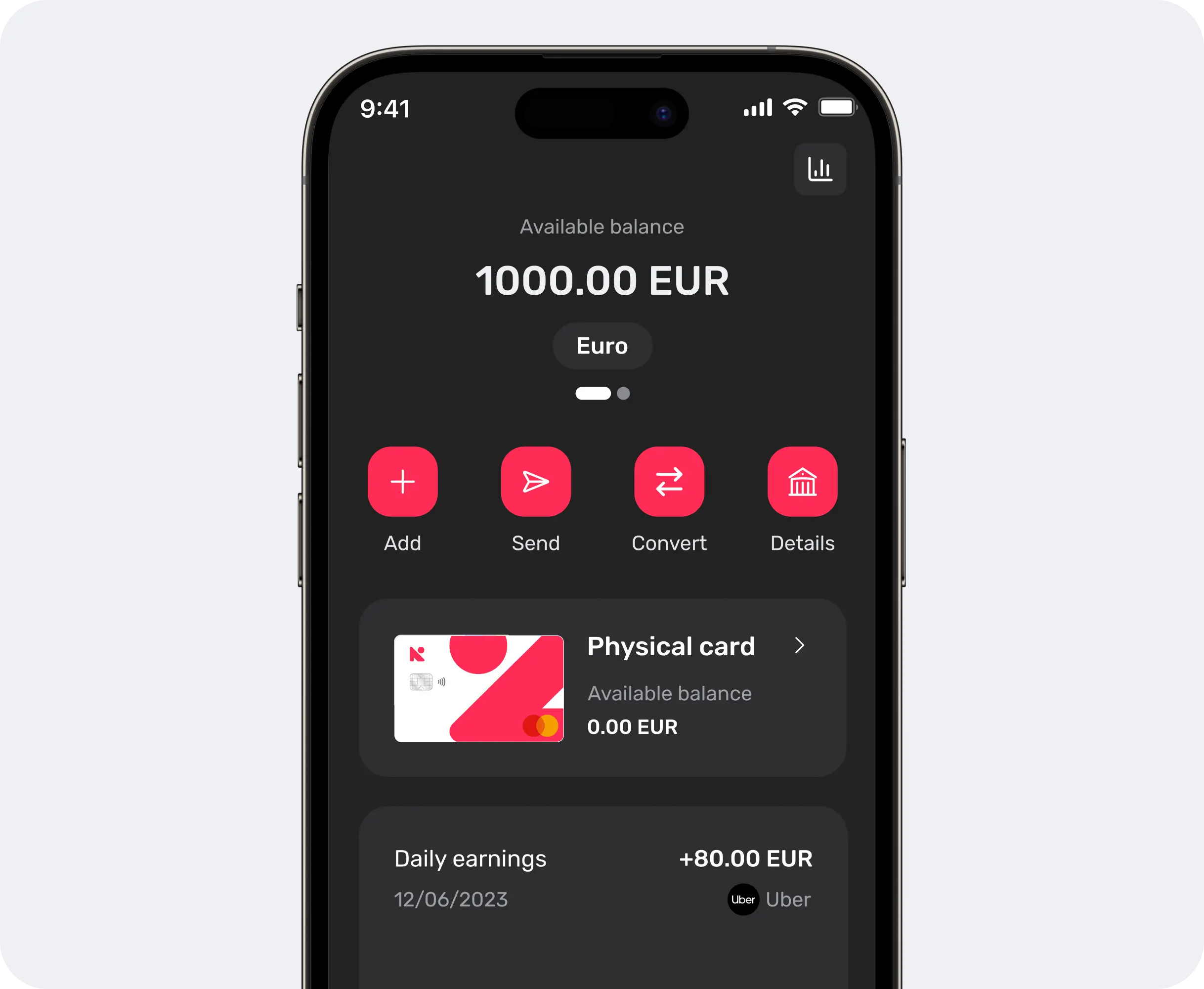
Move money in a few taps
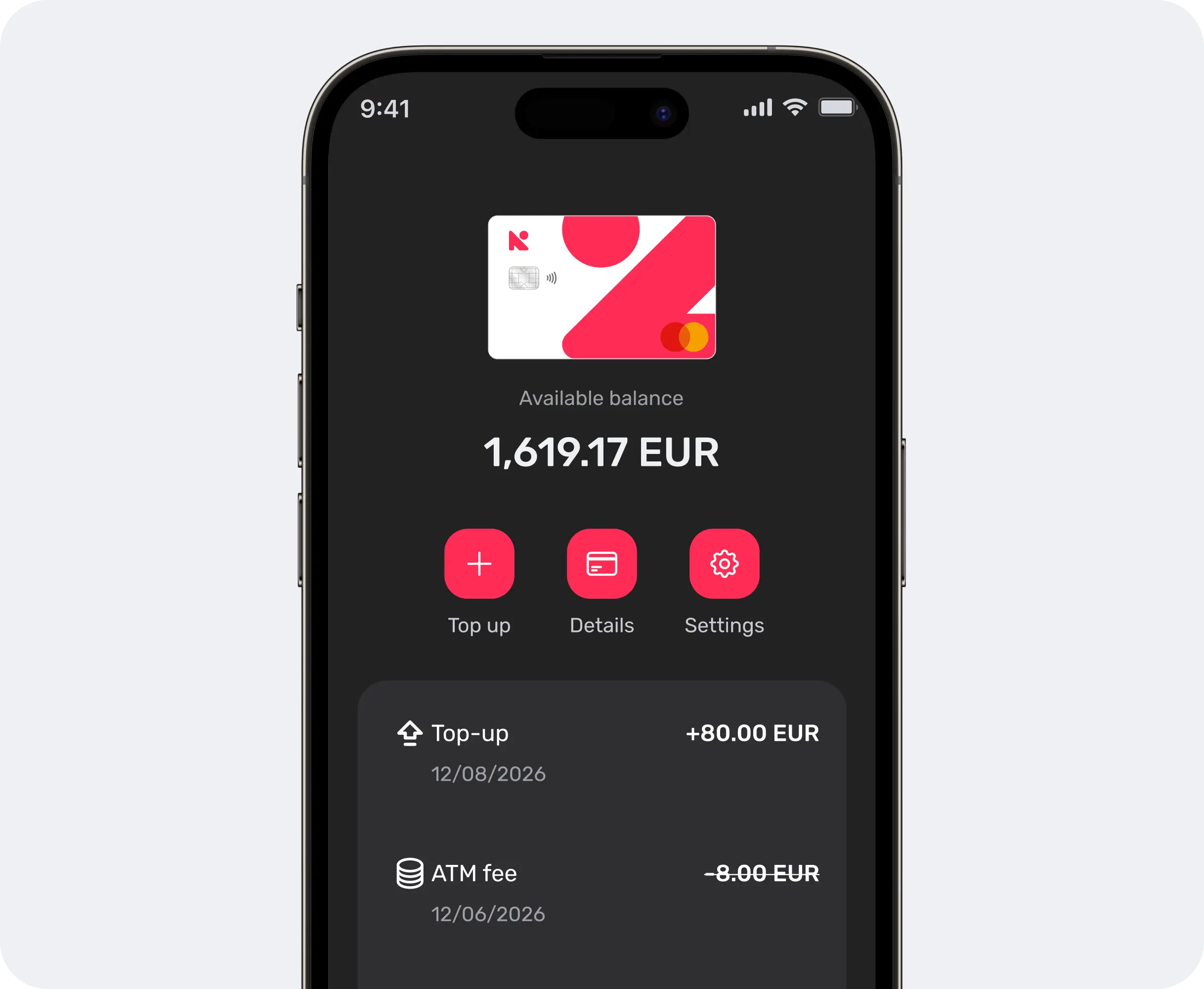
Add money, send payments, and convert currencies - all from your phone.
Add funds to your wallet
Send money to saved recipients
Convert between currencies
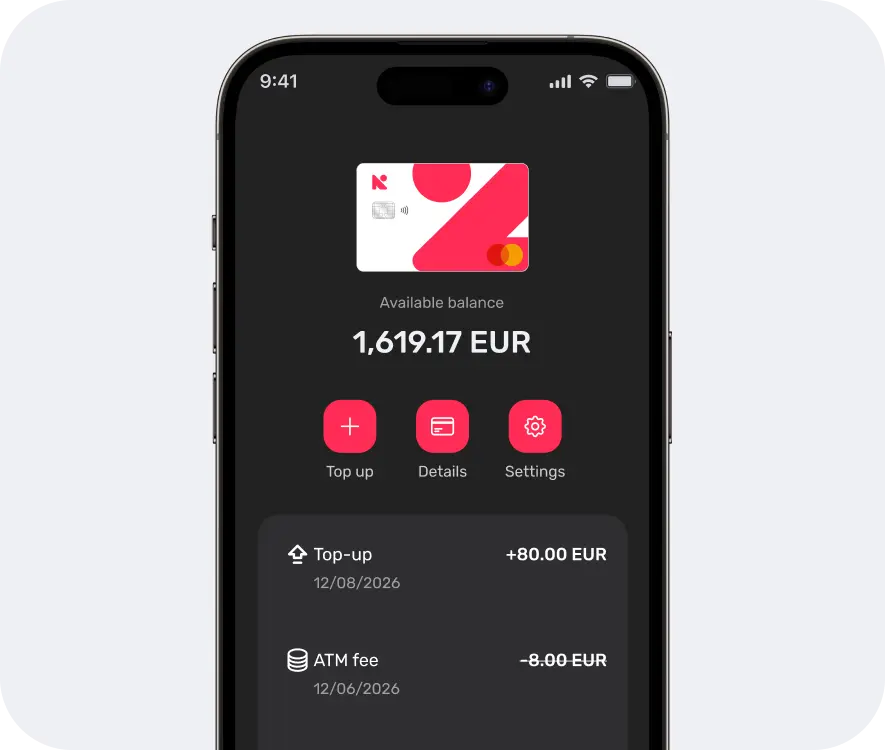
View your transaction history, organised by date






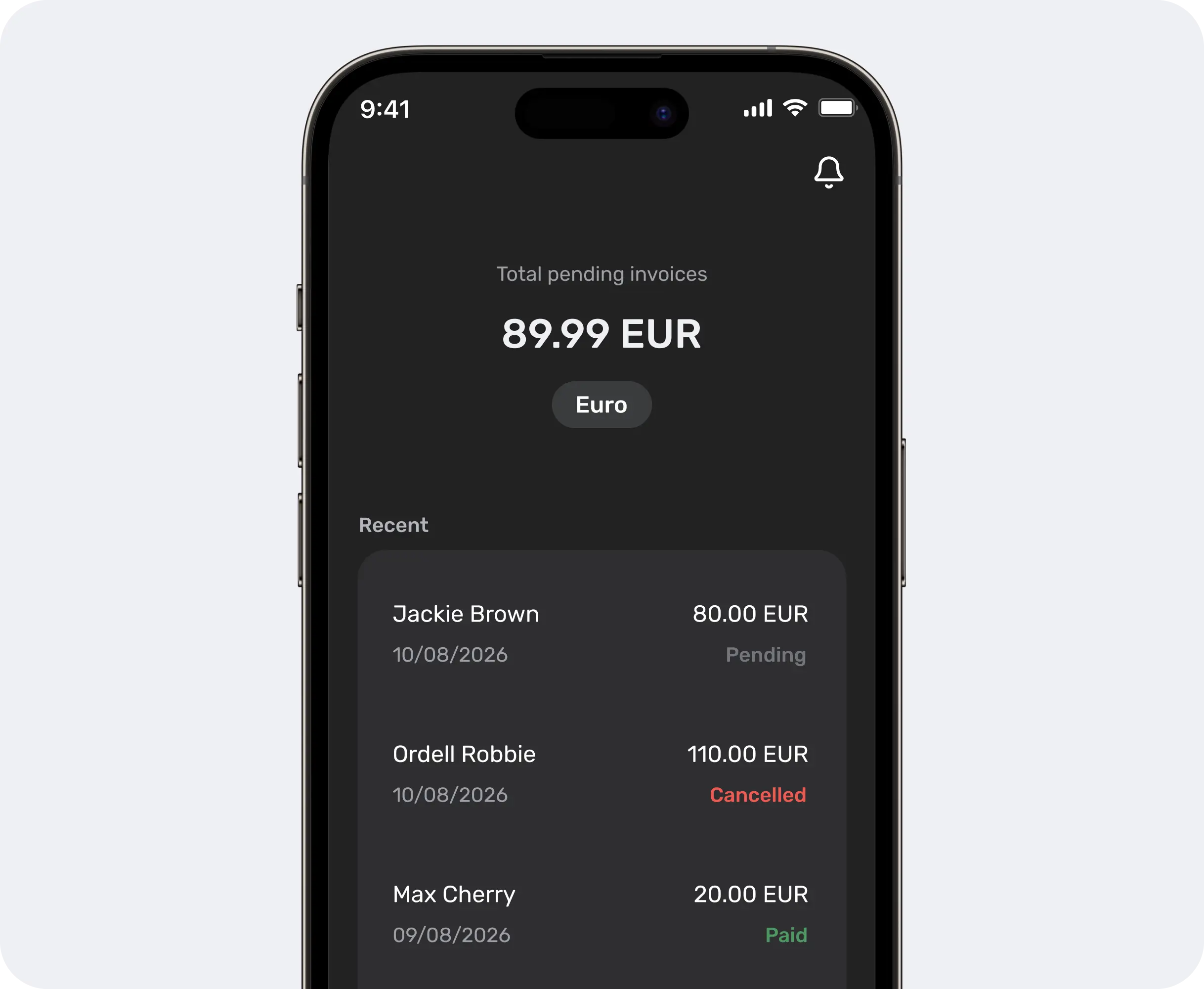
One app, whatever your role
Different roles, different routines. One app that works around yours.
Employees
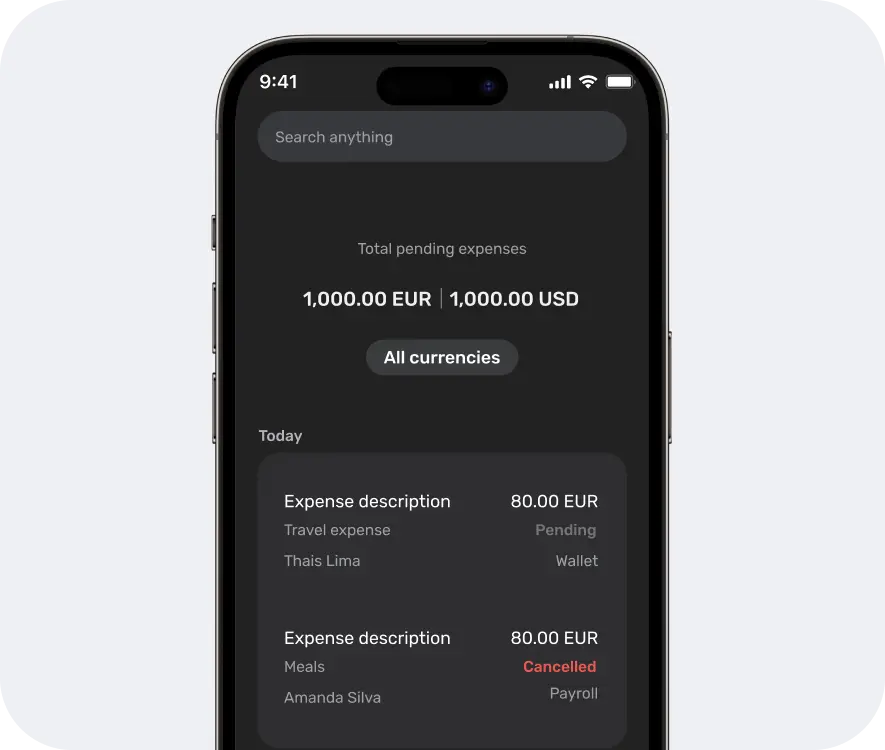
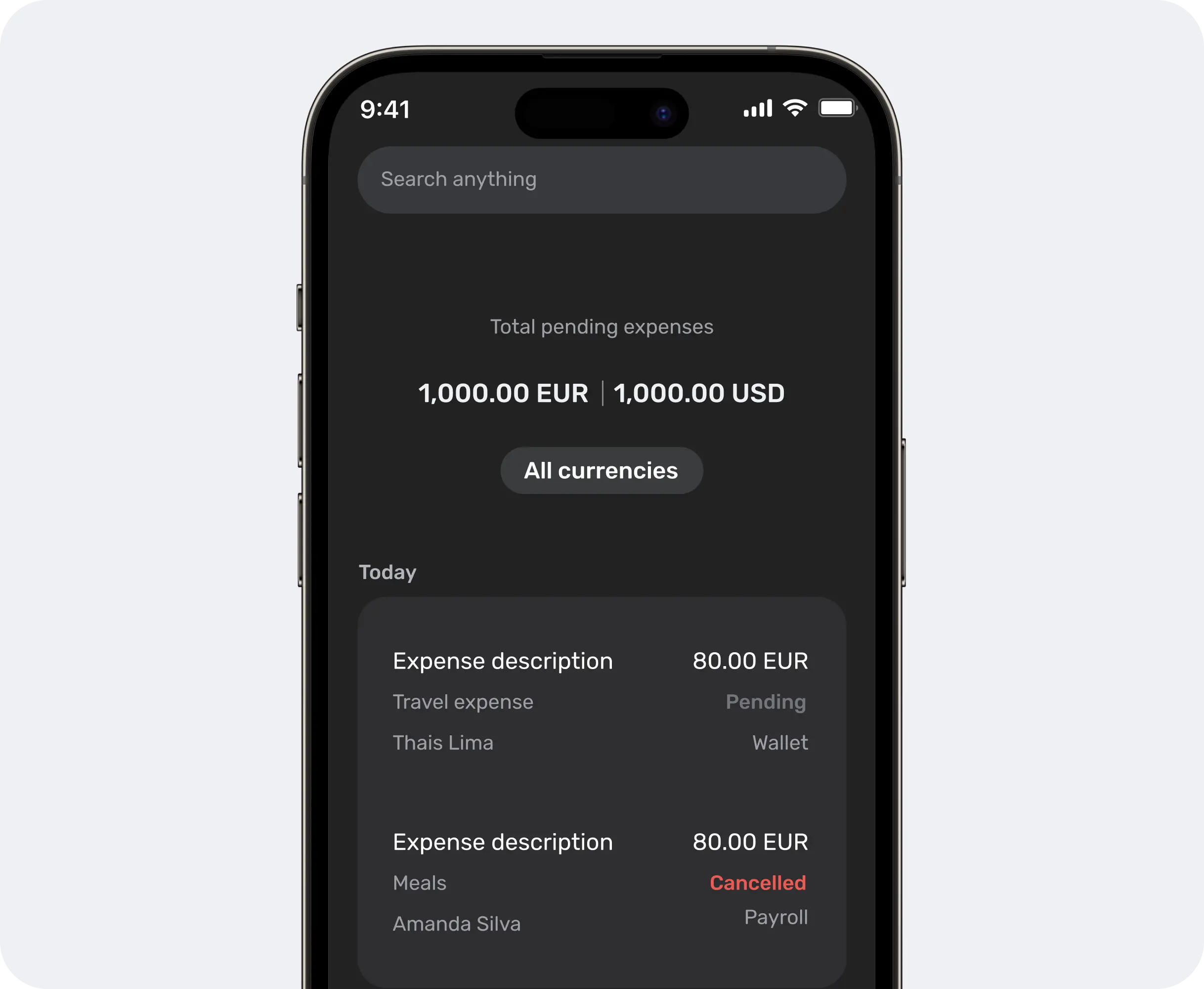
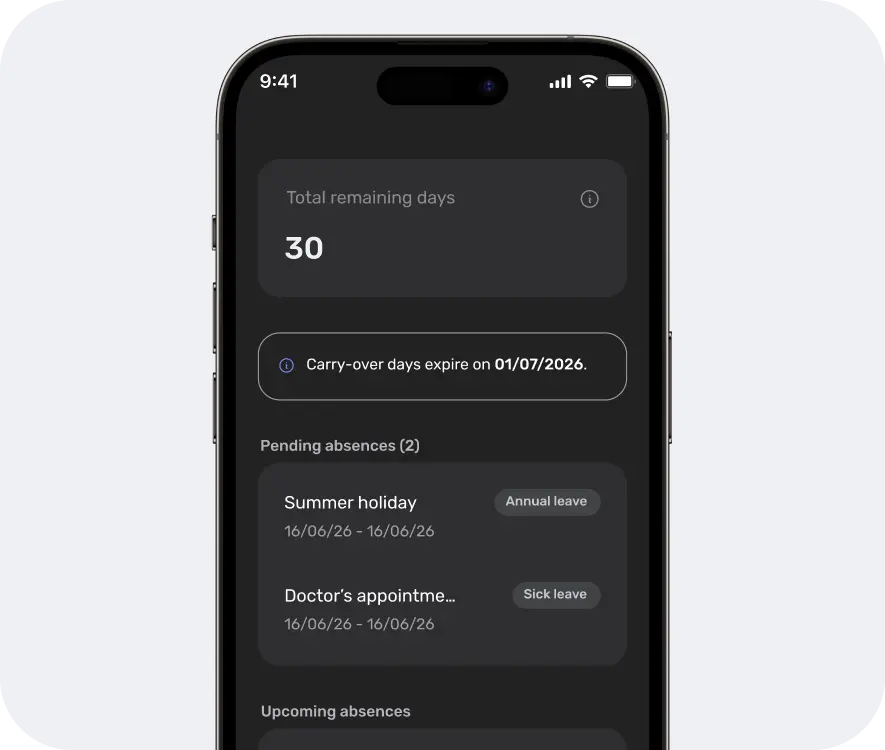
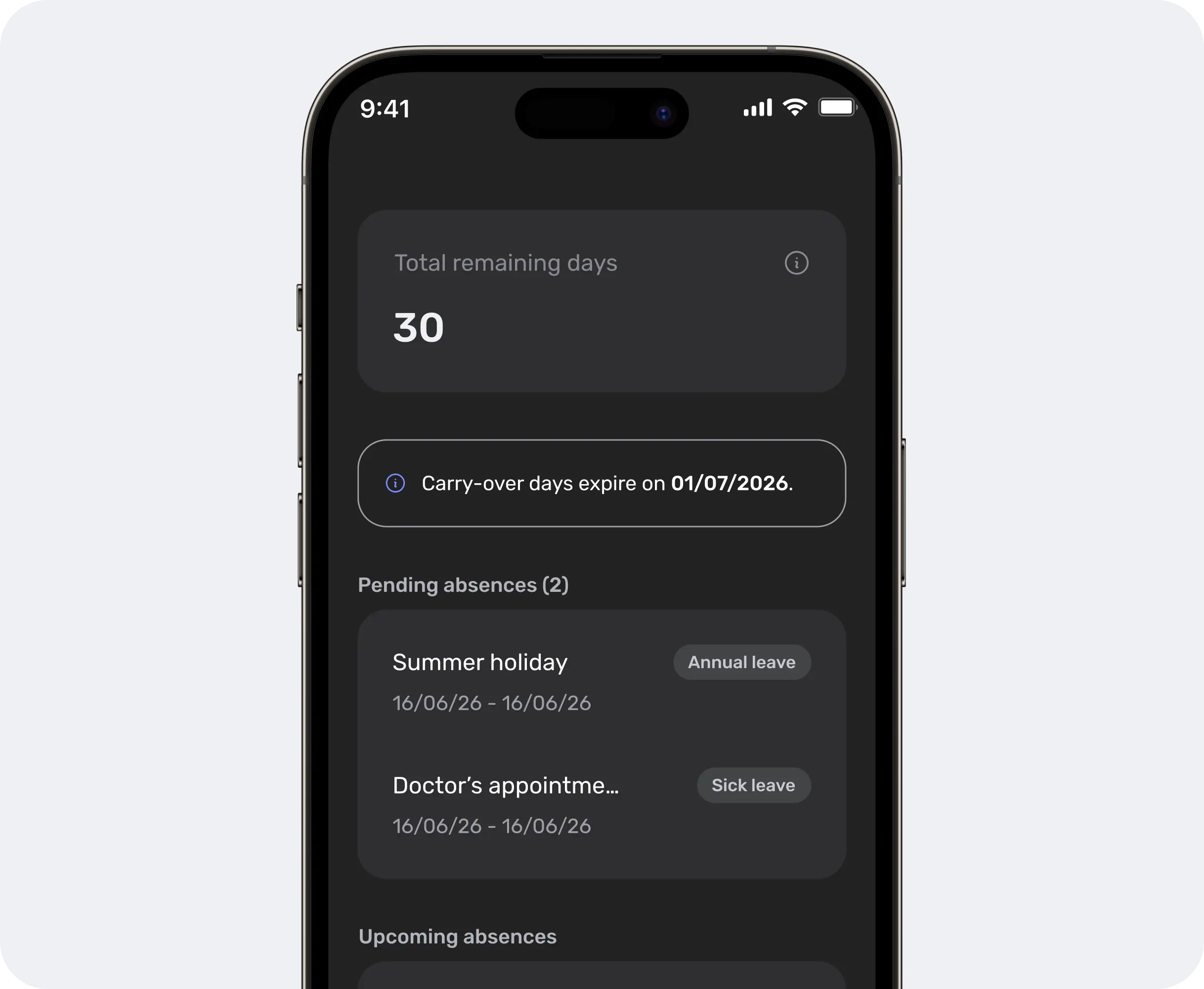
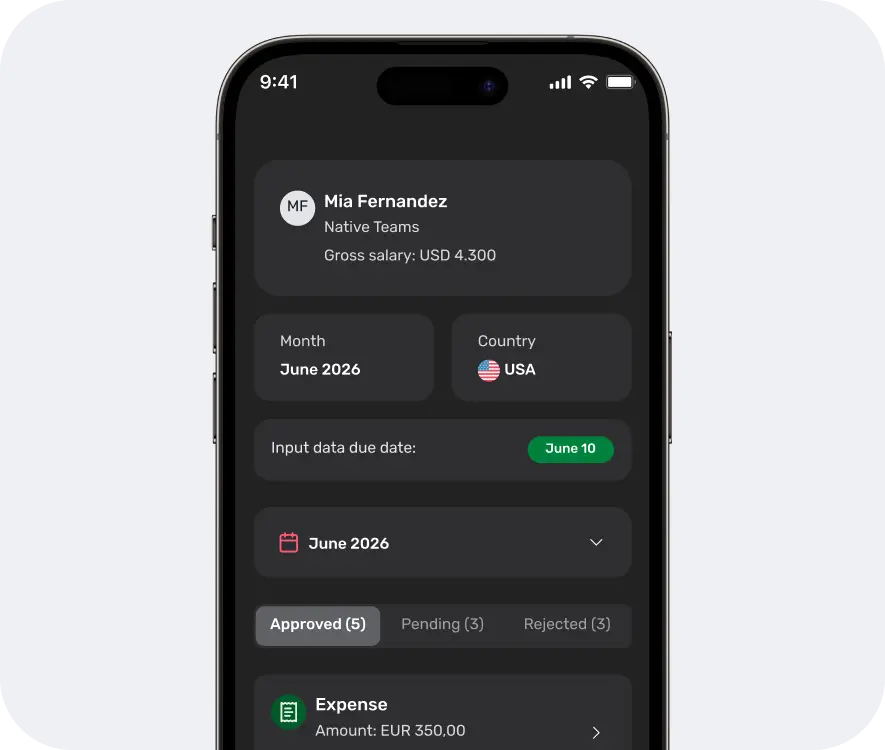
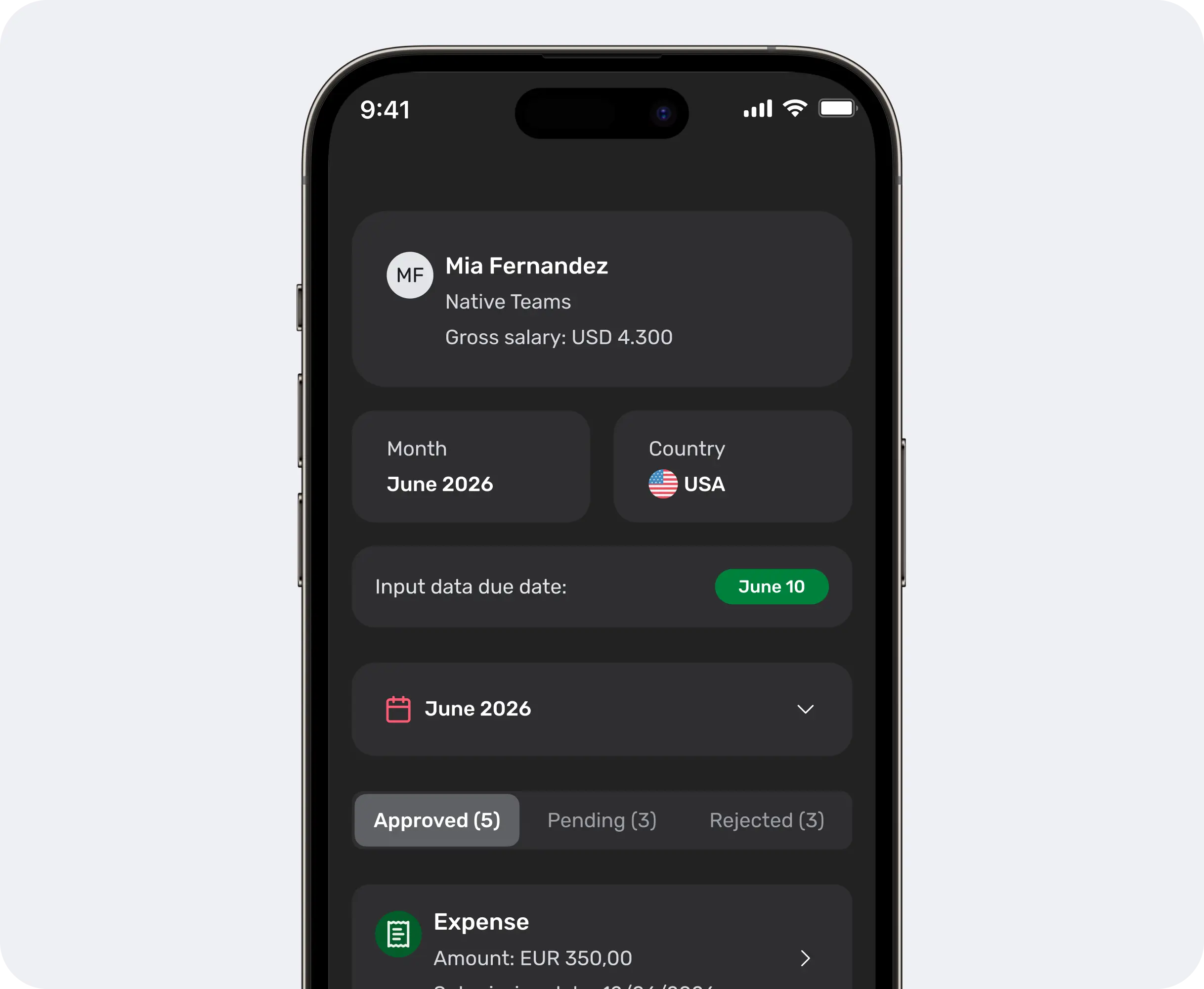
Your payslips, time off, and expenses, all easier to keep up with. Get notified, send requests, and submit monthly inputs straight from your phone.
- Absences
- Expenses
- Inputs
Employers
Your team doesn’t stop when you’re away. Keep up with employee requests, payments, and important updates right from your phone.
- Notifications
- Wallet
Contractors
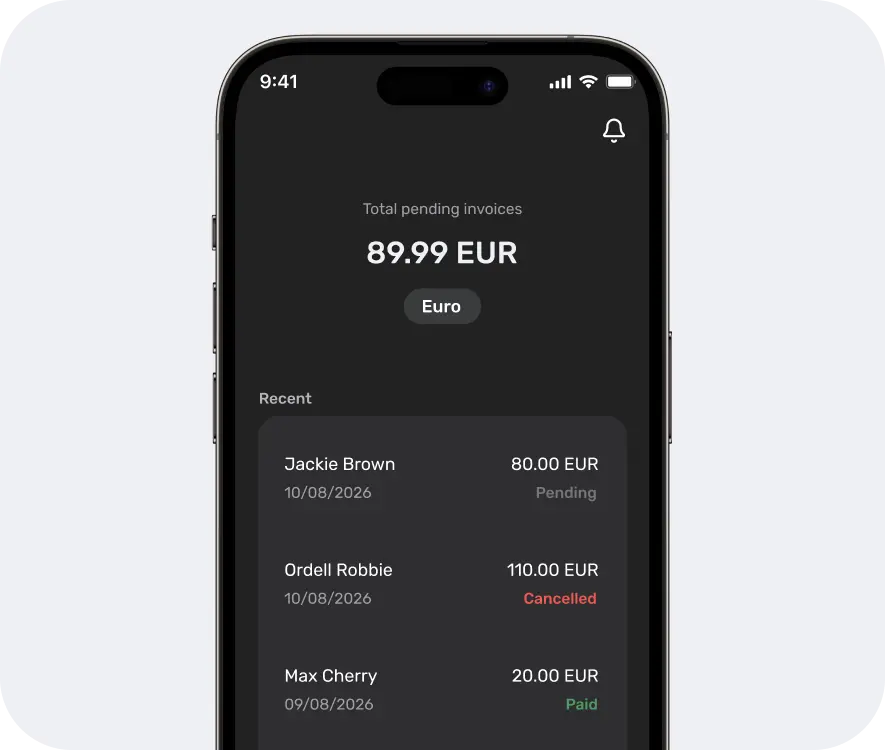
Create invoices, collect client payments, and manage your earnings in multiple currencies, wherever you work.
- Invoicing
- Wallet
Gig workers
Your work takes you places. Track your earnings and manage your money wherever the next gig takes you.
- Wallet
- Card
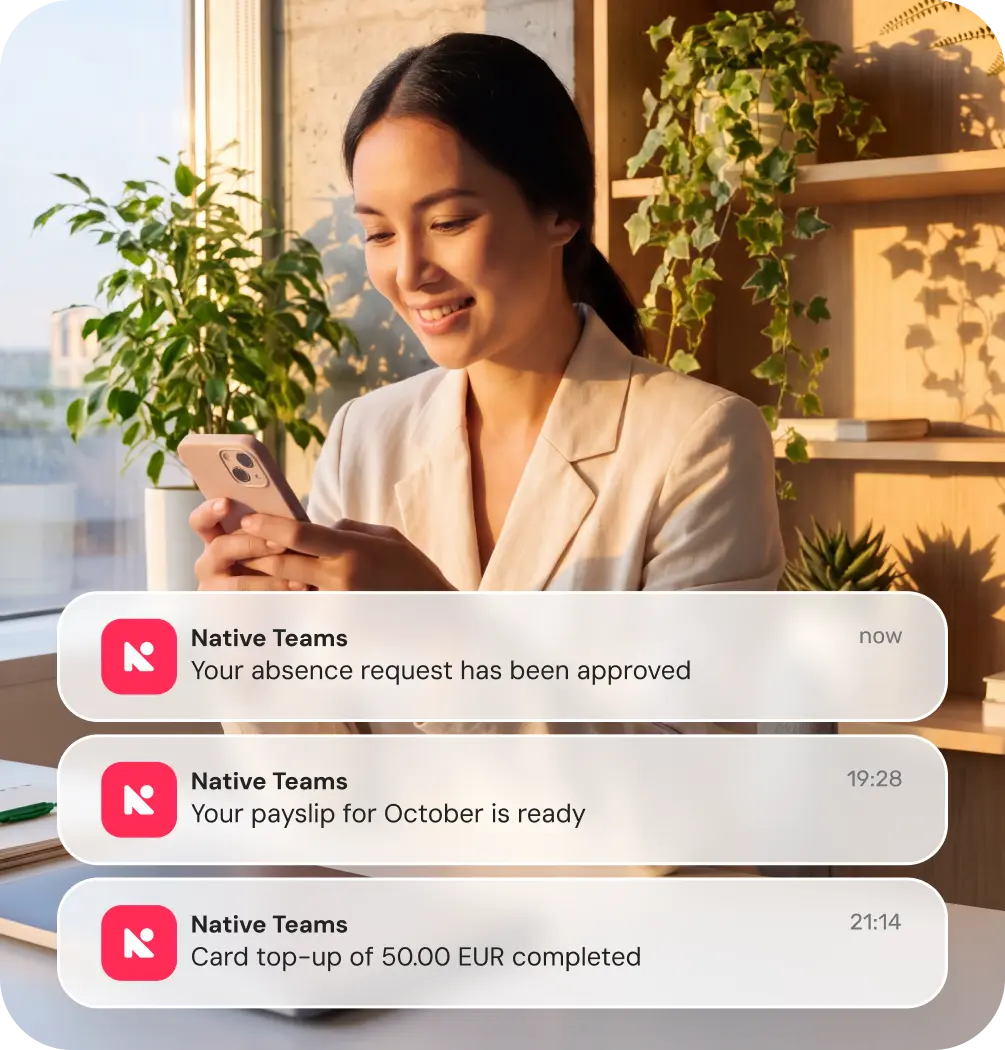
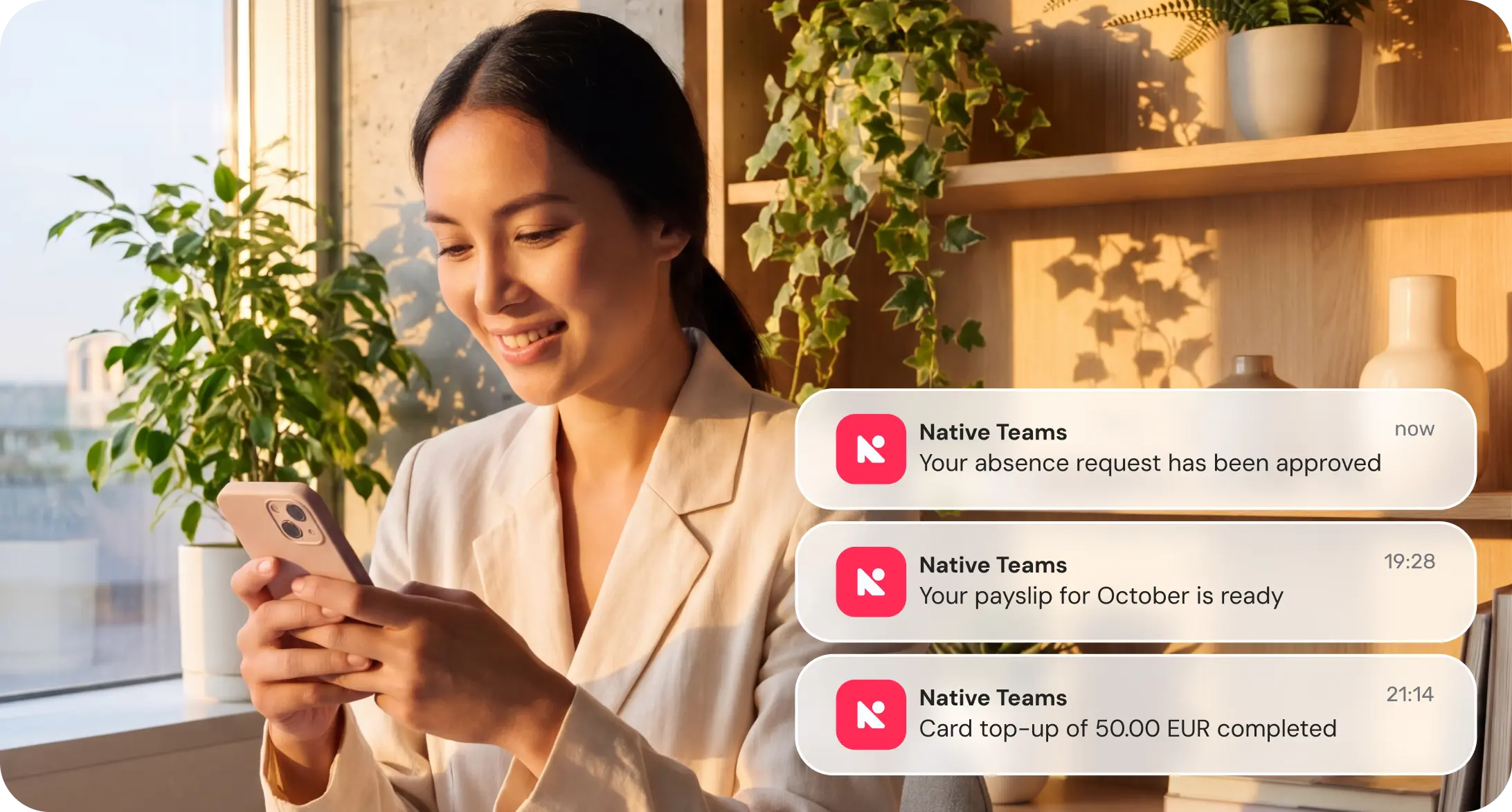
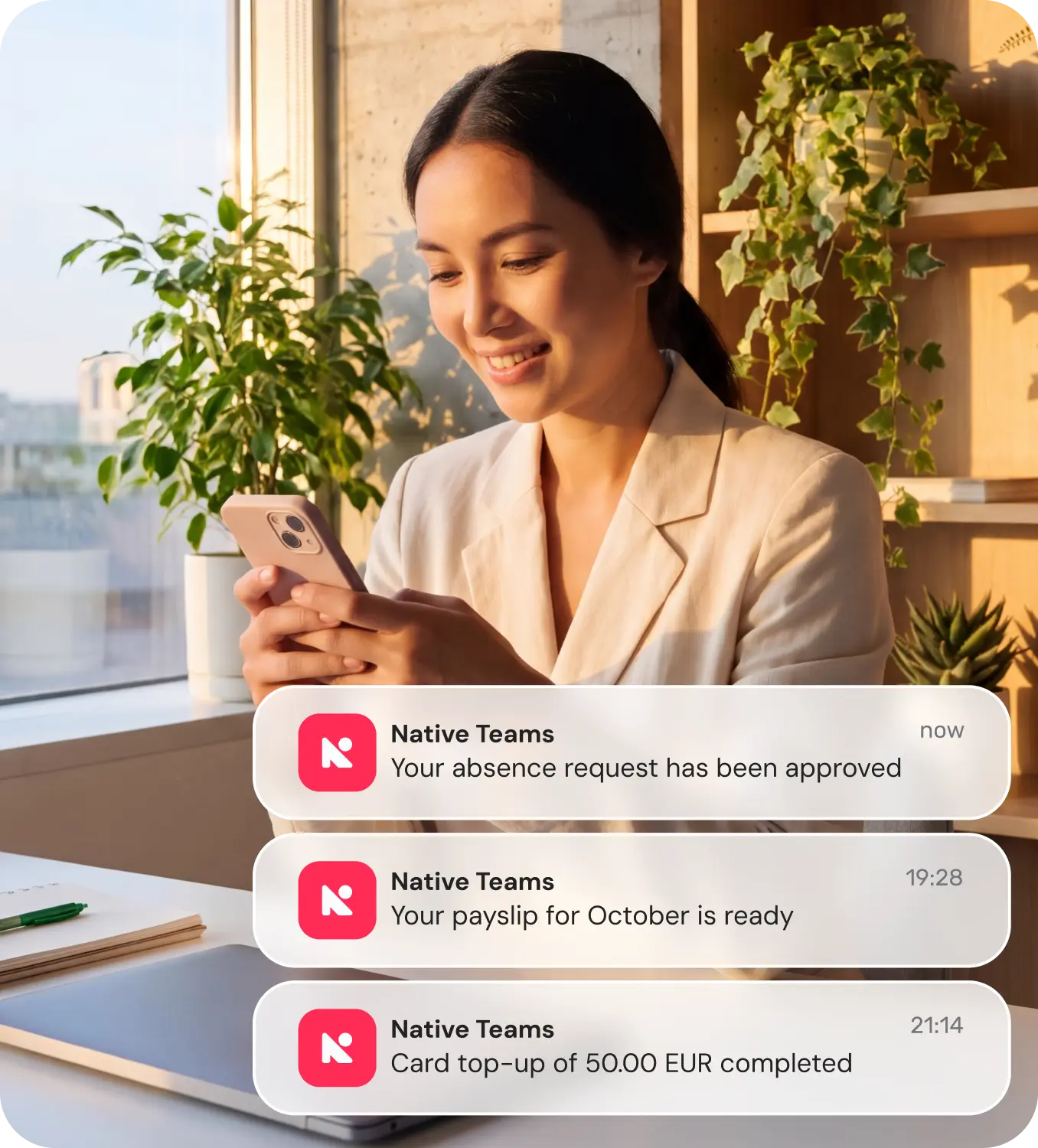
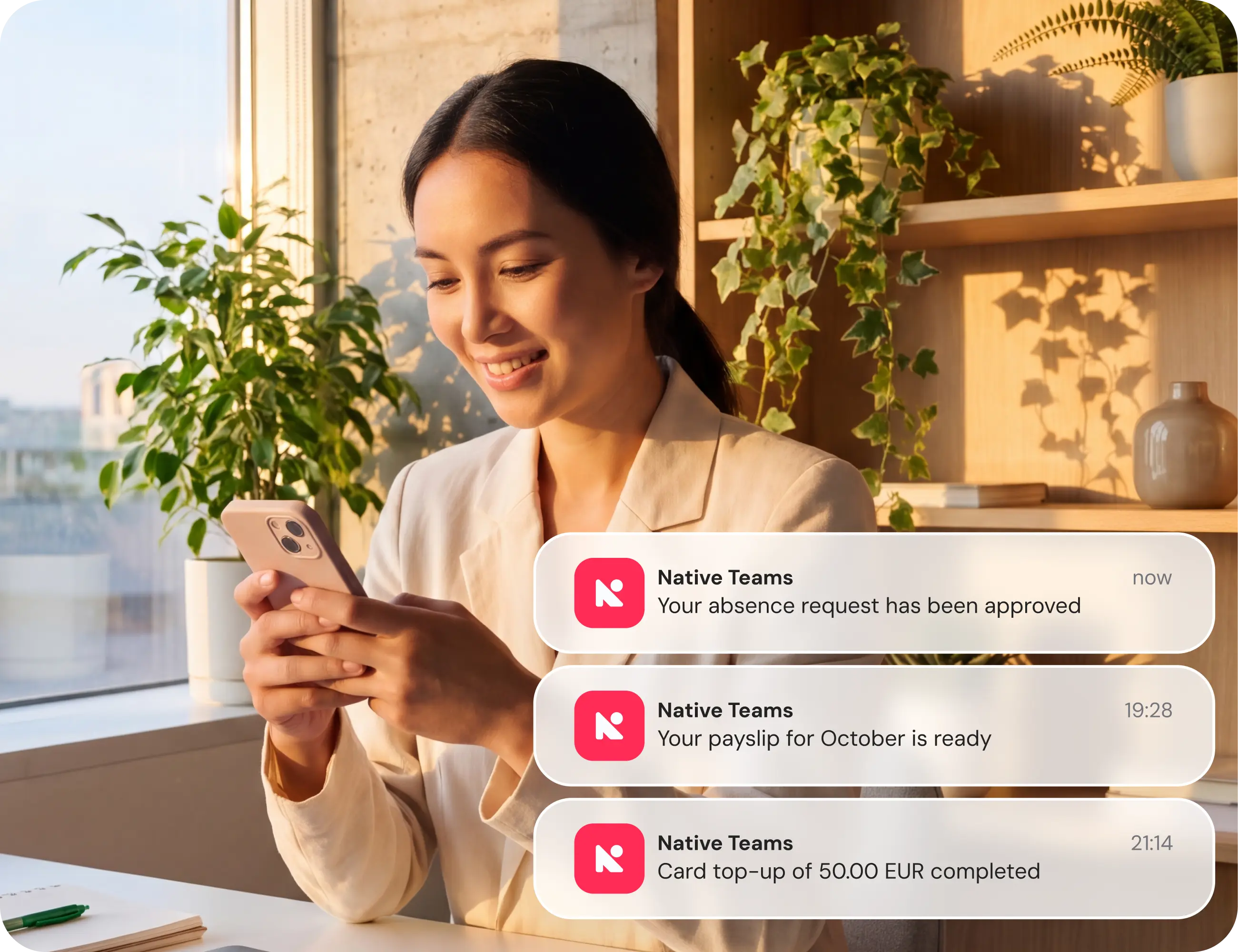
No need to keep checking. We’ll let you know
No more wondering whether that payment arrived or your request was approved. Get the updates straight to your phone.
Get started in three steps
Already have a Native Teams account? You’re ready to go.
- 01
Download the app
Scan the QR code or find Native Teams on the App Store or Google Play.
- 02
Sign in with your usual login
Use your existing Native Teams login and pick up right where you left off, with your balance, card, and transaction history ready to go.
- 03
Turn on notifications
Enable notifications to stay updated on payments, requests, and other important activity.
FAQs (Frequently asked questions)
Take Native Teams with you, wherever you go
Available on iPhone and Android. Download it and sign in with your usual account.